A plain-English guide for artists, designers, writers, musicians, and other creative professionals navigating the age of AI
If you’ve started using AI tools in your creative practice, you’ve likely engaged in generating images, drafting copy, developing concepts, or scoring music. You’ve almost certainly heard the word “prompt.” But a second term is becoming just as important in creative workflows: skills. These two ideas are closely related, but they are not the same thing — and confusing them can mean the difference between an AI that feels like a genuine creative collaborator and one that constantly misses your vision.
Let’s break both down in plain language, compare them side by side, and look at real-world examples from the creative world — what happens when each is used well, and what happens when it isn’t.
What Is an AI Prompt?
A prompt is simply what you say to an AI. It’s the input — the description, instruction, or creative brief you type in. Every single interaction with an AI starts with a prompt of some kind.
Think of it like giving direction to a collaborator in the studio. The prompt is what you say in that moment: “Make this feel darker,” “Try a different chord progression here,” “Push the contrast on the background.” The quality of your direction shapes what comes back.
Simple definition: A prompt is a one-time instruction or creative direction you give an AI to get a specific result.
Prompts in the Real World
Prompts exist on a spectrum from vague to richly detailed. Here are some creative examples:
Simple prompt:
“Draw a portrait.”
Better prompt:
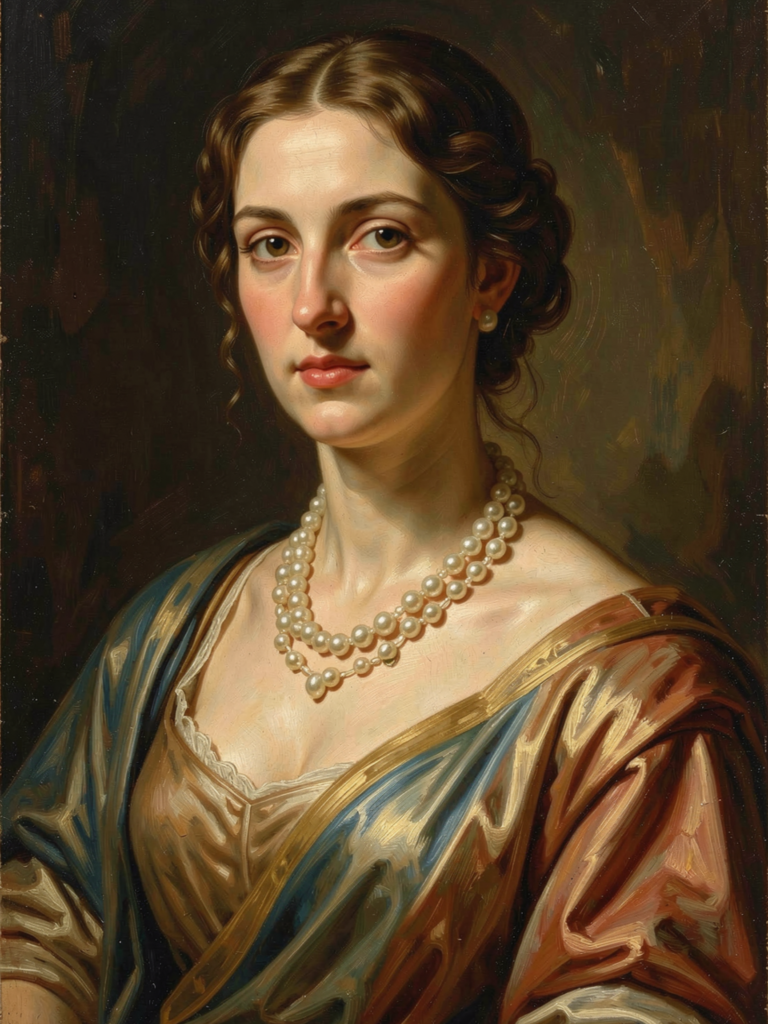
“Create a digital portrait of a young woman in her 30s, lit by warm candlelight from the left side, rendered in the style of Baroque oil painting. She looks contemplative, slightly downward gaze, wearing deep burgundy fabric. Textured brushwork, dark atmospheric background.”
The second prompt gives the AI a style reference, lighting direction, mood, subject details, and a medium. That’s good creative prompting — the same way a strong art brief gives a collaborator everything they need to execute your vision without constant back-and-forth.

What Is an AI Skill?
A skill is a reusable, structured set of instructions, knowledge, or capabilities that an AI is given before any individual creative request — so it can perform a specific type of task consistently and in alignment with your creative voice, every time.
If a prompt is giving direction to a studio collaborator, a skill is onboarding that collaborator into your world. It’s the orientation session where you explain your aesthetic philosophy, your brand, your non-negotiables, your workflow, and your creative language. That foundation doesn’t change project to project — it’s always there, shaping how they interpret every direction you give.
Simple definition: A skill is pre-loaded creative context or a defined process that shapes how an AI approaches an entire category of tasks — not just a single request.
Skills can take different forms:
- Style guides that define your visual or tonal language
- Creative briefs that the AI always references before responding
- Workflow frameworks that structure how the AI approaches tasks like concepting or copywriting
- Brand or voice documents that keep all output consistent
Skills in the Real World
A freelance illustrator who regularly works with a children’s book publisher might build a skill like this:
“You are a creative assistant for an illustrator specializing in children’s picture books. The visual style is soft, warm, and whimsical — think watercolor textures, rounded shapes, and gentle pastel palettes. Characters are always expressive and diverse. The tone of any writing or descriptions should be playful and age-appropriate for 4–8 year olds. Avoid dark themes, sharp angular compositions, or photorealistic rendering styles.”
That skill stays in place across every project. Whether the prompt is about a dragon, a rainy day, or a first day of school, the AI always works within that established creative world.
Prompts vs. Skills: A Side-by-Side Comparison
| Prompt | Skill | |
| What it is | A single creative direction or request | A reusable creative framework or style guide |
| Who creates it | The artist, in the moment | The artist or studio, in advance |
| How long it lasts | One interaction | Across many projects |
| Scope | Specific and situational | Broad and consistent |
| Creative analogy | A direction in the studio session | Onboarding a collaborator into your world |
| Changes between tasks? | Yes | No (or rarely) |
The key insight: prompts are situational; skills are foundational.
A well-designed skill makes every prompt you write easier and more powerful — because your aesthetic identity, creative rules, and context are already loaded in. You’re not re-explaining yourself every time; you’re just giving the next direction.
Why Does This Distinction Matter for Creatives?
For artists and creative professionals, this distinction has some very specific and practical implications.
1. Your creative voice stays consistent. One of the biggest frustrations creatives have with AI is that it keeps drifting from their aesthetic. A skill pins your visual language, tonal register, or brand identity in place so it doesn’t evaporate between sessions.
2. You stop spending creative energy on setup. Without a skill, you spend the first part of every session re-establishing who you are and how you work. That’s creative energy better spent on the actual work.
3. You know what to fix when results go sideways. If one image or piece of copy misses the mark, your prompt probably needs refinement. If the AI consistently ignores your style or keeps producing things that feel off-brand, the skill is the problem — or it’s missing altogether.
4. You can collaborate with AI without losing authorship. A well-built skill is essentially a distillation of you — your influences, your rules, your voice. That’s the difference between AI as a generic tool and AI as a genuine extension of your creative practice.
Real-World Examples: Used Correctly
✅ Good Prompt (Used Correctly)
Scenario: A graphic designer is creating a poster for an underground electronic music festival.
“Design a poster concept for ‘Voltage Festival,’ an underground electronic music event in Berlin. Aesthetic: brutalist typography, glitch art distortion, monochromatic with a single neon green accent. The headline ‘VOLTAGE’ should feel like it’s breaking apart at the edges. Include space for a date and venue at the bottom. Dark, industrial, raw energy.”
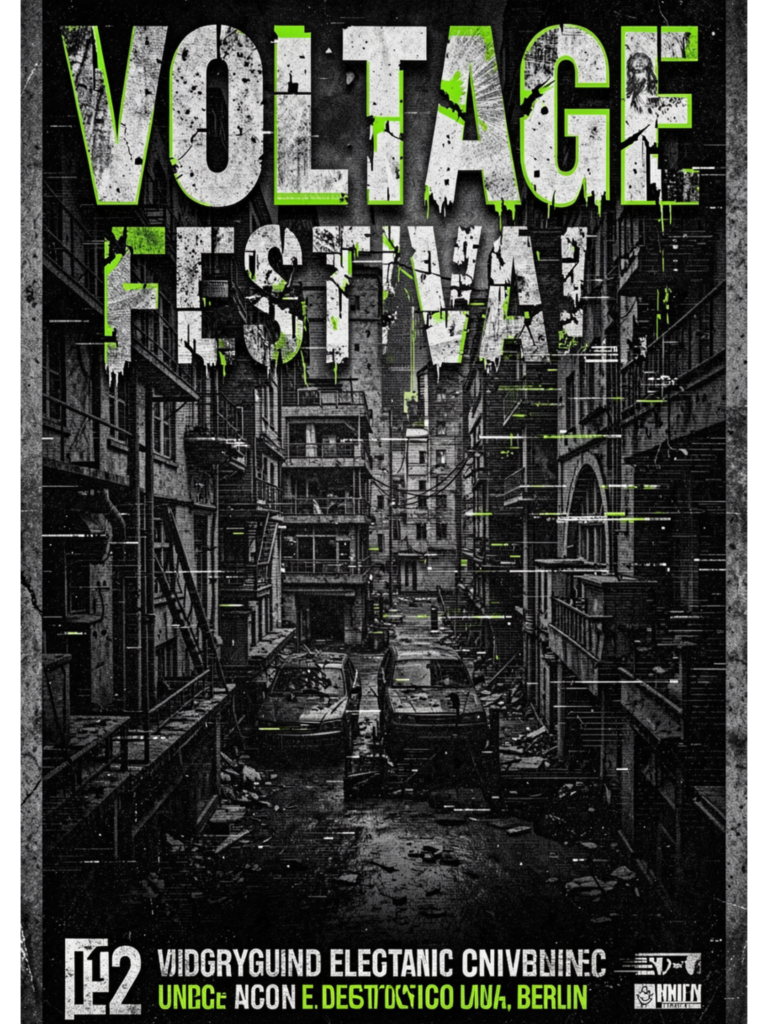
Why it works: The designer has given the AI a visual direction, a cultural reference point (Berlin underground), a color palette, a typographic treatment, and a structural requirement — all in one clear brief. The AI can execute with confidence, and the output will actually be useful as a starting point.
✅ Good Skill (Used Correctly)
Scenario: A branding studio uses AI to help generate copy and concept directions for client pitches. They create a skill for one of their clients — a sustainable fashion label:
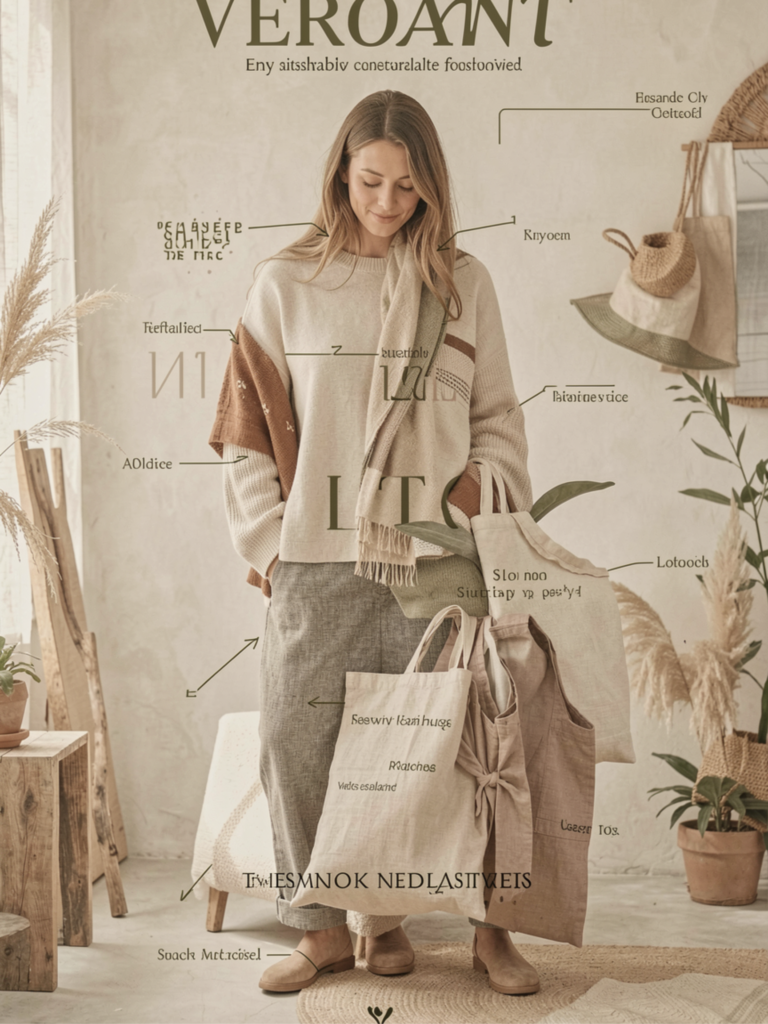
“You are a creative strategist and copywriter for Verdant, a sustainable fashion brand targeting environmentally conscious women aged 28–45. Brand voice: intelligent, calm, and quietly confident — never preachy or aggressive. Visual language: muted earth tones, clean lines, natural textures. Always emphasize craftsmanship and longevity over trends. Avoid the words ‘eco,’ ‘green,’ and ‘planet-saving.’ Never use exclamation points.”
Why it works: Every concept, tagline, or campaign direction the AI generates will be filtered through Verdant’s identity. Junior team members can use short, simple prompts and still get output that sounds unmistakably on-brand — because the skill is doing the heavy lifting.
Real-World Examples: Used Incorrectly
❌ Bad Prompt (Used Incorrectly)
Scenario: A musician wants AI to help write lyrics for a new track.
“Write me some song lyrics.”
Why it fails: There’s no genre, no mood, no theme, no narrative, no structural guidance. The AI has nothing to work with except the most generic interpretation of “song lyrics.” What comes back will almost certainly be unusable — flat, clichéd, and completely disconnected from the artist’s actual project.
The fix: Give the AI a real brief. “Write lyrics for a melancholic indie folk song about leaving a hometown you’ve outgrown. Verse-chorus-verse-chorus-bridge structure. Imagery should be specific and grounded — street names, seasons, small details. Avoid clichés like ‘spread my wings’ or ‘find myself.’ Tone: bittersweet, not bitter.”
❌ Bad Skill (Used Incorrectly)
Scenario: A freelance photographer sets up an AI assistant to help write website copy and client-facing content. Their skill reads:
“Help me write things for my photography business.”
Why it fails: This gives the AI almost nothing to act on. What kind of photography? Who are the clients? What’s the tone — editorial? emotional? commercial? What makes this photographer different from any other? Without those answers embedded in the skill, every piece of copy the AI produces will feel generic, interchangeable, and ultimately useless for building a distinctive creative brand.
The fix: A real skill would read more like: “You are a creative assistant for Maya Chen Photography, a portrait and editorial photographer based in New York. Her style is intimate and cinematic — think natural light, quiet moments, real emotion over polished perfection. Clients include editorial magazines, personal branding clients, and families. Her tone is warm, thoughtful, and slightly literary. She never describes herself as a ‘storyteller’ (overused). Pricing is premium; copy should reflect that.”
❌ Confusing One for the Other
Scenario: A comic book artist uses AI daily to help develop character descriptions, panel compositions, and story beats. But every single session begins with this enormous pasted block of text:
“You are a creative collaborator for my graphic novel series, The Iron Meridian. The world is a dieselpunk alternate 1940s where magic is industrialized. My main characters are [full descriptions of 8 characters]. The tone is noir with dark humor. My visual style references Moebius and Mike Mignola. I never use thought bubbles — all interiority is shown through action or dialogue…” [600 more words]
Why it’s inefficient: This artist has accidentally built a full creative skill — but they’re pasting it as a prompt, manually, every day. That’s like re-introducing your band members to each other before every rehearsal. All of that world-building context belongs in a persistent skill or system prompt, not a daily copy-paste ritual.
The fix: Save that entire world document as a configured system prompt or AI persona. Then each daily session can start with just: “Write a tense confrontation scene between Voss and the Union Inspector in the refinery. Three pages.”
The Power Combination: Skills + Prompts Working Together
The real creative power of AI emerges when a strong skill and a sharp prompt work in tandem.
Think of it like hiring a studio assistant who has genuinely learned your practice — they know your aesthetic references, your workflow, your standards, your pet peeves. When that’s in place, you don’t need to give long lectures. You give a direction, and they’re off.
In a creative workflow, that looks like this:
- Skill: “You are the creative writing assistant for Lumen Studio, a narrative design and interactive fiction studio. Our tone is mythic but grounded, poetic without being purple. We write for adult audiences. Stories should feel timeless — avoid contemporary slang or pop culture references. Structure is important: every scene should have a clear emotional turn. Avoid passive voice and throat-clearing openings.”
- Prompt: “Write the opening scene of a lighthouse keeper who has started to suspect the light is calling ships toward the rocks, not away from them.”
Short prompt. On-brand output. Every time.
Key Takeaways
- A prompt is the creative direction you give in the moment. Make it specific, visual, contextual, and detailed — treat it like a real brief.
- A skill is the creative foundation you build in advance. Make it a true distillation of your voice, your aesthetic, your rules, and your world.
- Prompts fail when they’re vague, assume the AI knows your vision, or keep re-establishing context that should live elsewhere.
- Skills fail when they’re too generic, missing your actual creative identity, or left un-updated as your work evolves.
- Together, a well-built skill and a precise prompt give you an AI collaborator that genuinely sounds and feels like an extension of your creative practice — not a generic machine.
The creatives who get the most from AI aren’t necessarily the most technical. They’re the ones who have done the work of understanding and articulating their own creative voice well enough to teach it to a machine.
That clarity doesn’t just make better AI outputs. It makes better art.
Not sure where to start? Try writing a one-paragraph description of your creative practice as if you were briefing a new collaborator on their first day. That’s the seed of your first skill.
Continue Learning
This article is part of The Haus Of Legends educational ecosystem. Continue with: